Muse launched with dozens of partners
Confirm this detail against the dated context and official links below when it affects a decision.
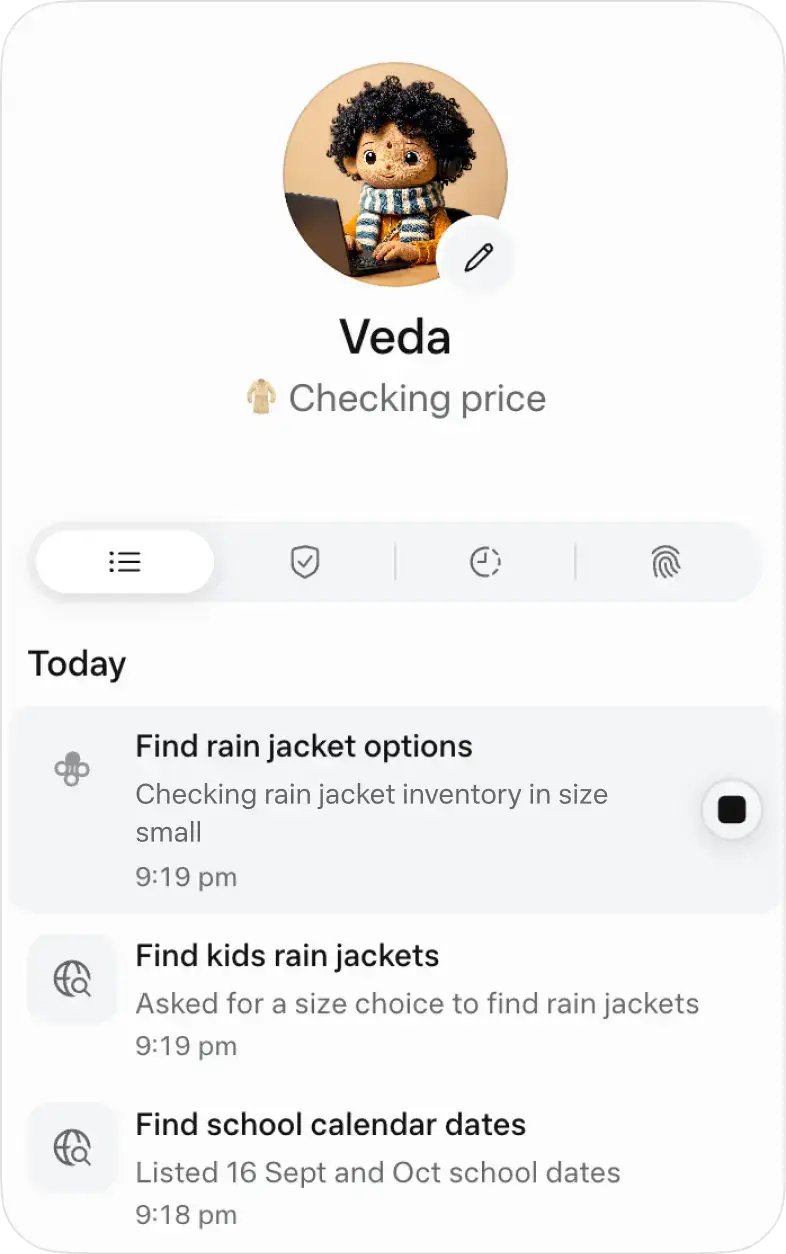
Connectors let Muse work with approved services, but the available list, supported actions and permission scope can differ by account.
Confirm this detail against the dated context and official links below when it affects a decision.
Confirm this detail against the dated context and official links below when it affects a decision.
Confirm this detail against the dated context and official links below when it affects a decision.
Confirm this detail against the dated context and official links below when it affects a decision.
A connector gives Muse a structured way to read or act in another service. It may be more reliable than controlling the service through a browser, but it also creates a new permission boundary.
The first-party description behind this point appears in Meta: Connect 2026 Muse updates.
Meta has named shopping, payment, travel, grocery and work partners. The small-business launch added a broad set of business tools and said custom connectors are supported.
For additional product and interface context, read Meta: Muse for Small Business.
A listed connector may support reading but not writing, or may require a particular plan, region or account type. Check the connector screen for the exact actions and data requested.
For the latest rollout or account-level wording, check Meta: Introducing Muse.
Connect one service at a time, choose the narrowest scope, review the first task closely and remove access that is no longer needed.
Use these contextual guides to move from product understanding to a bounded task or a safer permission decision.
No. Availability and supported actions can depend on rollout, plan, region and account type.
Muse can also use a browser for supported workflows, but sign-in, site rules and approvals may limit what it can do.
No. Musebot is an independent guide and is not affiliated with or endorsed by Meta.
Yes. Muse is a new product and availability, plans, connectors and controls can change. Use the dated source links on this page.
No. Connect only the services needed for a task and review the requested permissions before allowing access.
Use Meta’s official Muse, Meta account or product-support routes. Musebot cannot access or repair your account.